Getting Started with cURL
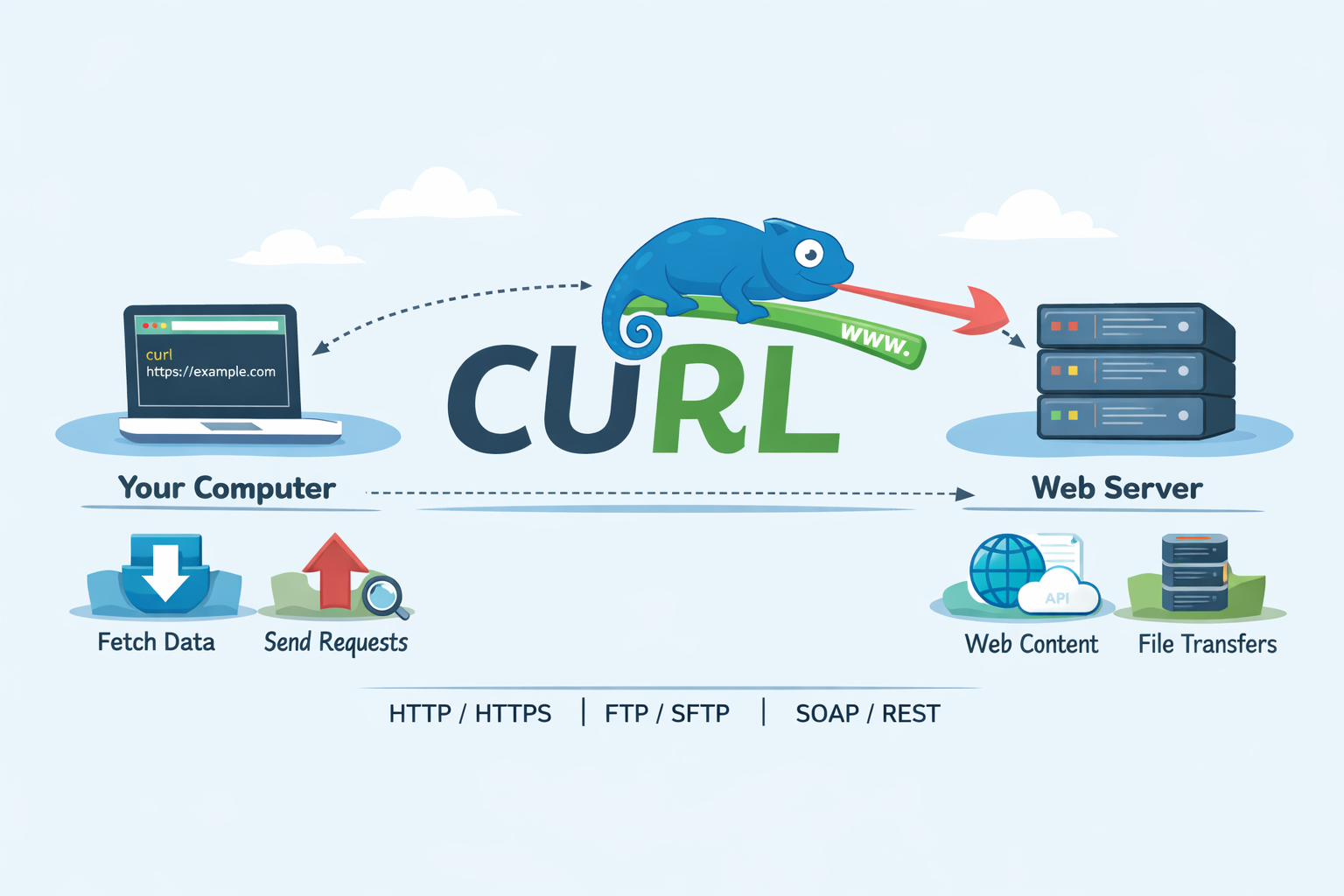
Every time you open a website, submit a form, or use a mobile app, something important happens behind the scenes:
your device talks to a server and gets a response back.
As a developer, understanding this conversation is a superpower.
That’s where cURL comes in.First lets discuss what a server is and then what cURL.
What is a server?
A server is just a computer that lives somewhere on the internet and waits for requests.
You ask for something (a webpage, data, or an action)
The server processes your request
The server sends back a response
This happens every time you:
Open a website
Log in to an app
Load posts on social media
Your browser does this silently in the background.
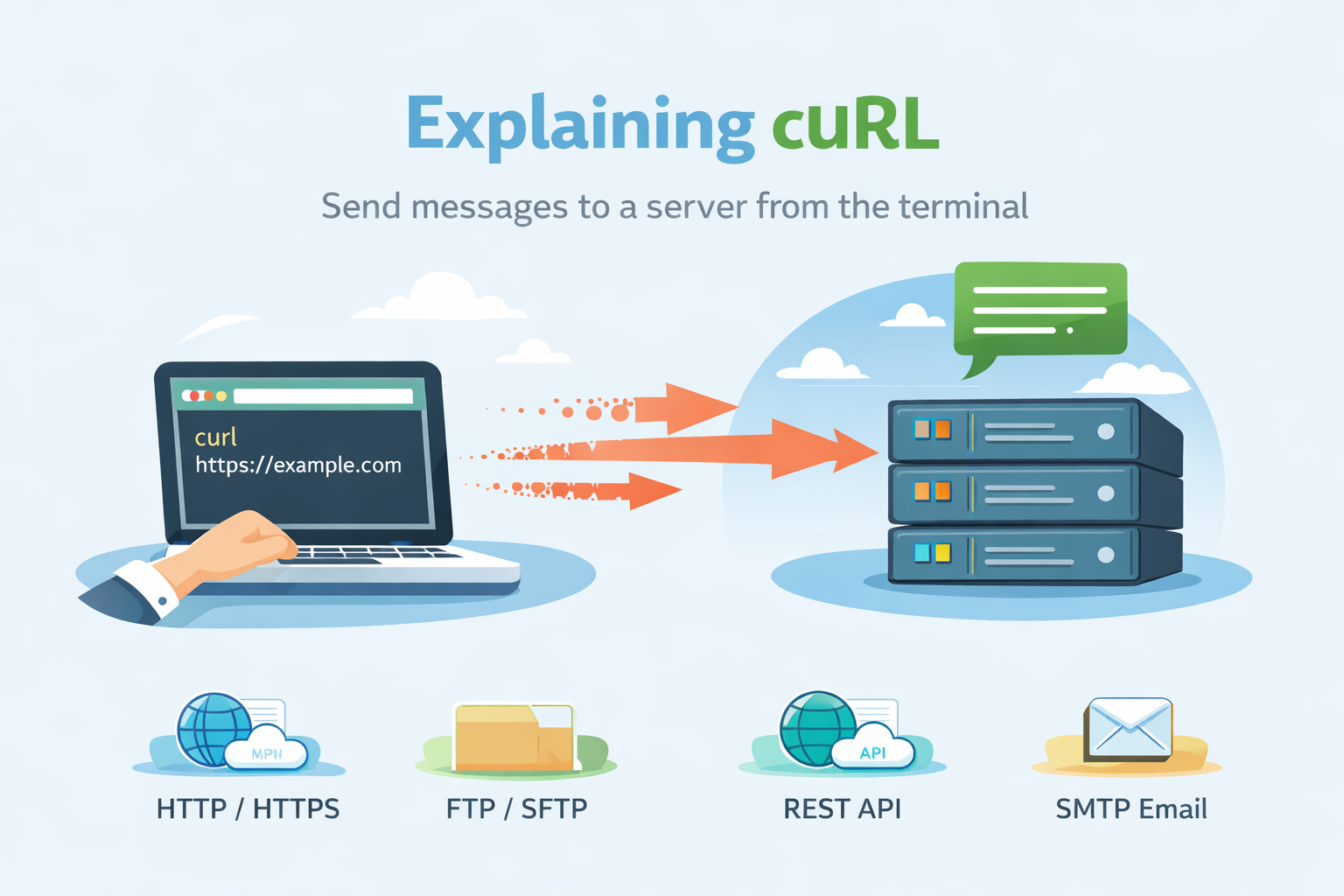
cURL lets you do the same thing—but from the terminal.
What is cURL?
cURL (Client URL) is a command-line tool used to send and receive data between a client and a server over various network protocols such as HTTP and HTTPS.
In simple words cURL is a tool that lets you send messages to a server from the command line and see the response.
Think of it like this:
Browser → talks to server using buttons and UI
cURL → talks to server using text commands
Why do programmers need cURL?
Programmers use cURL because it is:
Great for testing APIs
Fast (no UI, no browser)
Transparent (you see raw responses)
Available almost everywhere (Linux, macOS, Windows)
Typical uses:
Check if a server is working
Test backend APIs
Debug network issues
Learn how HTTP actually works
If you’re getting into backend development, cURL becomes a close friend.
Making your first request using cURL :
Let’s start with the simplest possible command.
curl https://example.com
What happened here?
You asked a server for a webpage
The server responded with data
cURL printed that data in your terminal
Understanding request and response :
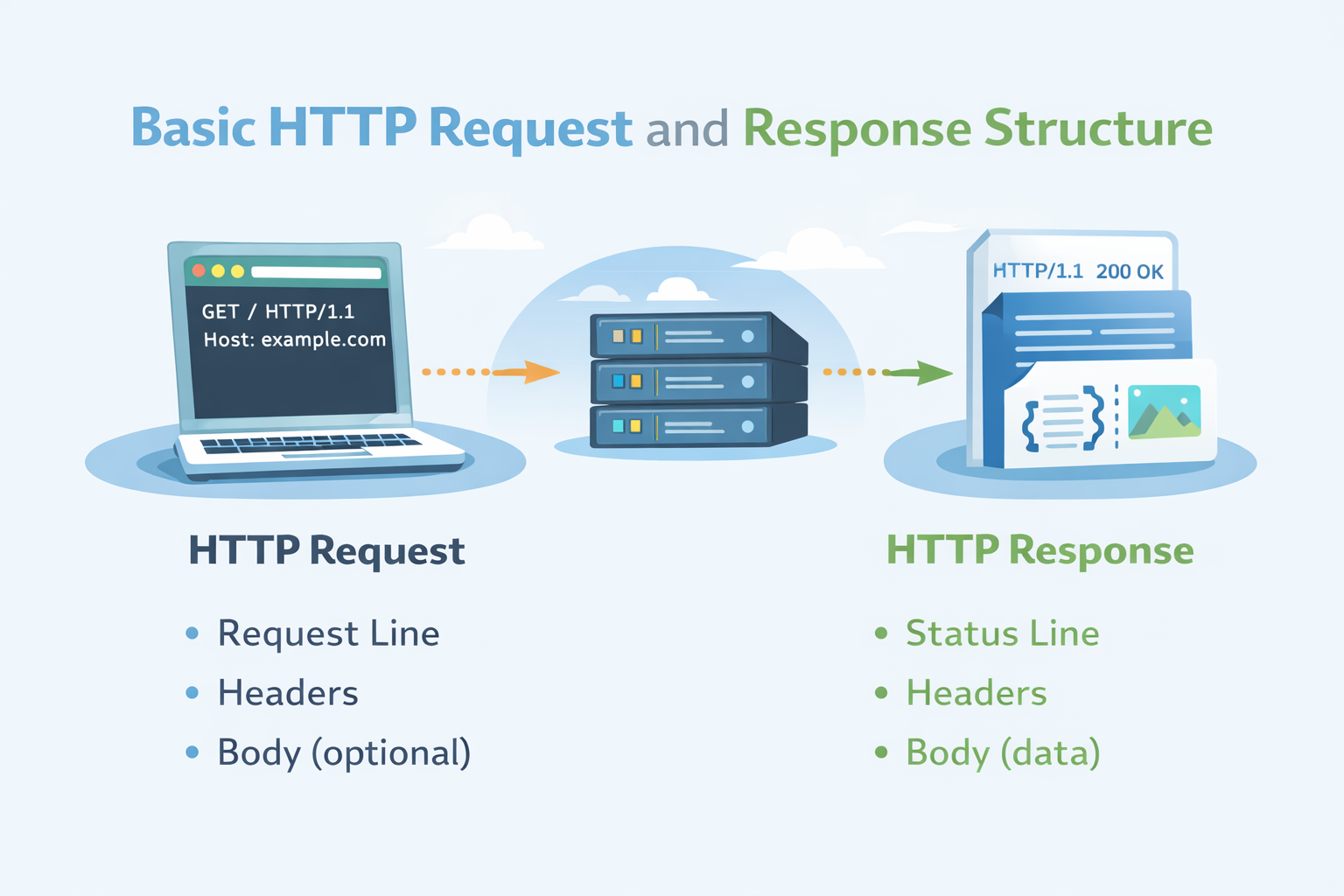
Every interaction with a server has two sides:
1. The Request (from you)
What you want
Where you want it from
How you want it
2. The Response (from the server)
Status (did it work?)
Data (HTML, JSON, text, etc.)
Example response concepts:
Status:
200 OKmeans successData: the content the server sent back
GET and POST :
GET – asking for data
This is what you already did:
curl https://example.com
You’re saying:
“Hey server, give me this resource.”
POST – sending data :
POST is used when you want to send data to the server.
Conceptually:
“Hey server, here’s some data. Please do something with it.”
You’ll use POST a lot with APIs, forms, and authentication—but for now, just remember:
GET = receive
POST = send
Using cURL to talk to APIs
Most modern applications talk to APIs instead of webpages.
APIs usually return JSON instead of HTML.
Example:
curl https://api.example.com/users
Instead of a webpage, you might see:
[
  { "id": 1, "name": "Alice" },
  { "id": 2, "name": "Bob" }
]
That’s real application data—and cURL helps you see it clearly.
Browser request vs cURL request :
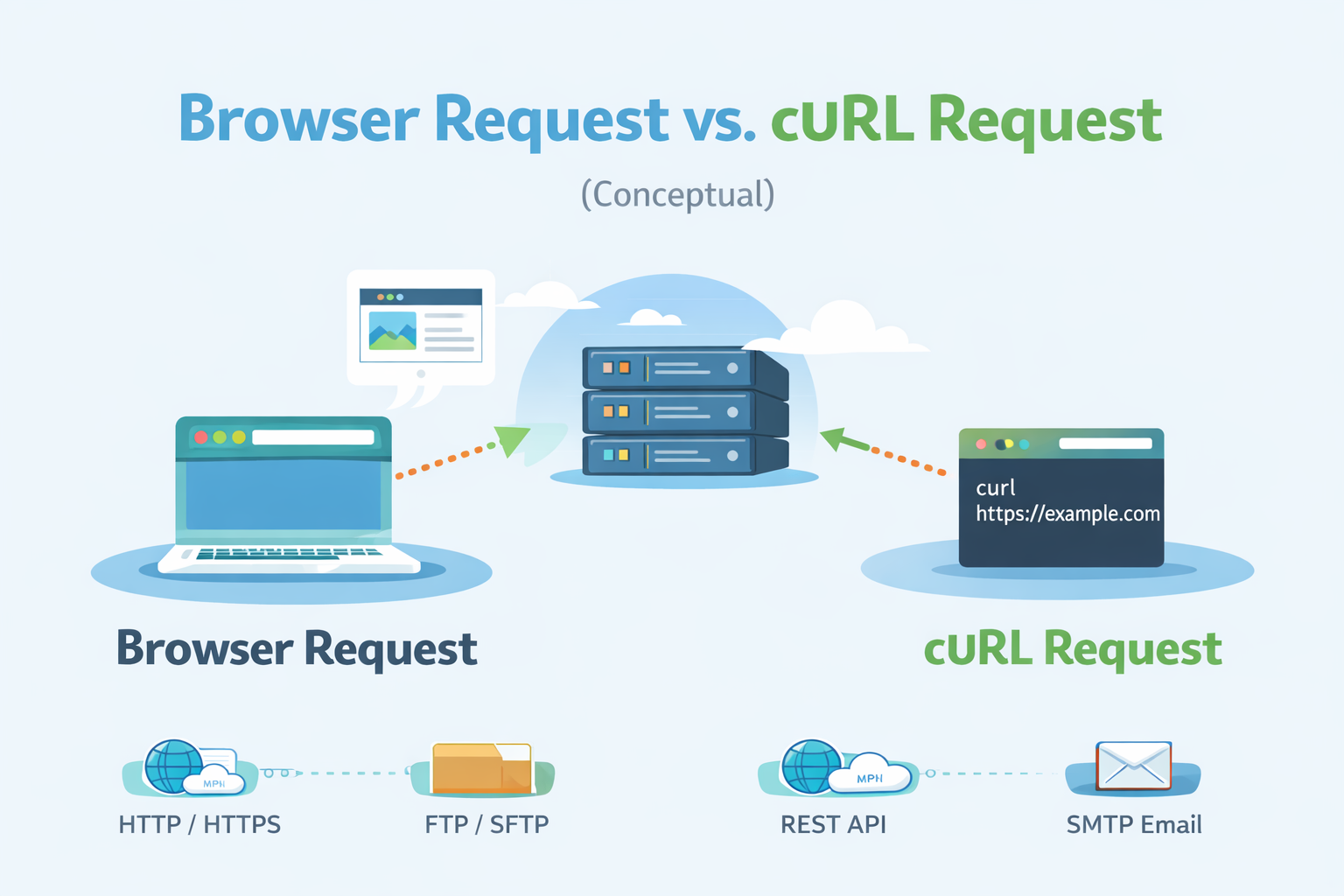
A browser:
Adds headers automatically
Renders HTML
Runs JavaScript
Hides complexity
cURL:
Sends exactly what you tell it
Shows raw responses
Helps you understand what’s actually happening
Both talk to servers.
cURL just removes the layers.
Conclusion
cURL is more than just a command-line tool—it’s a window into how the web actually works.
By using cURL, you’re not just fetching data from a server; you’re learning how requests are made, how responses are returned, and how applications communicate behind the scenes. This understanding is essential for anyone stepping into backend development, API work, or even frontend debugging.
About the author
Aspiring Full Stack MERN Developer & DSA Enthusiast | Passionate about coding, problem-solving, and scalable web applications | Turning ideas into reality | JavaScript, React, Node.js — learning by building real-world projects 🚀
Comments
Join the discussionNo comments yet. Be the first to comment.


